Guides
AI image editing guides
These AI image editing guides answer three questions people bring to AIImageEditor.pro: what to type to edit a photo, how to make an AI picture look like a real photo, and how to tell whether an image is AI generated. Each guide gives the answer first, then the steps, and links to the tool that does the job.
AI image editing with prompts
Start here if you have a real photo and want one thing changed. The prompt guide shows the sentence pattern that keeps faces and framing, and twelve instructions for everyday AI image editing, from removing a person to restoring an old print.
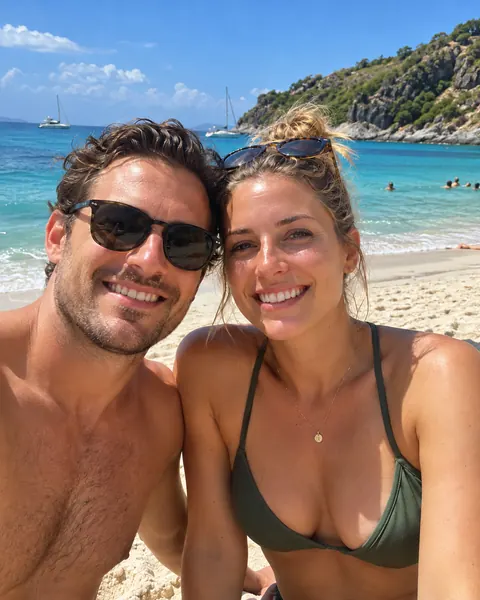
Making AI images look real
Pictures from ChatGPT, Nano Banana and other generators often give themselves away with waxy skin, glowing light and a heavy colour grade. The general guide lists the seven tells and how to fix each one; the ChatGPT and Nano Banana guides cover what each model tends to get wrong; the prompt guide collects camera, light and skin phrases for new pictures. To fix a finished picture in one step, the AI image humanizer has the instruction already written.

How to make an AI image look real
The seven tells people notice (skin, light, colour, depth, symmetry, hands, background) and how to fix each one.
AI image humanizer
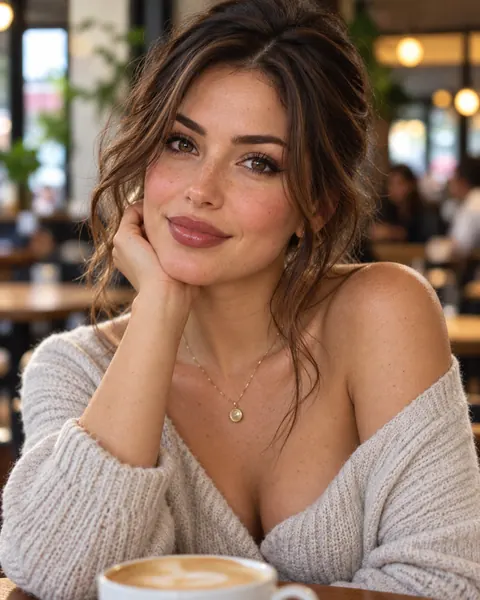
How to make ChatGPT images look real
Why GPT Image pictures look glossy, the prompt changes that help, and how to fix a picture you already have.
AI image humanizer
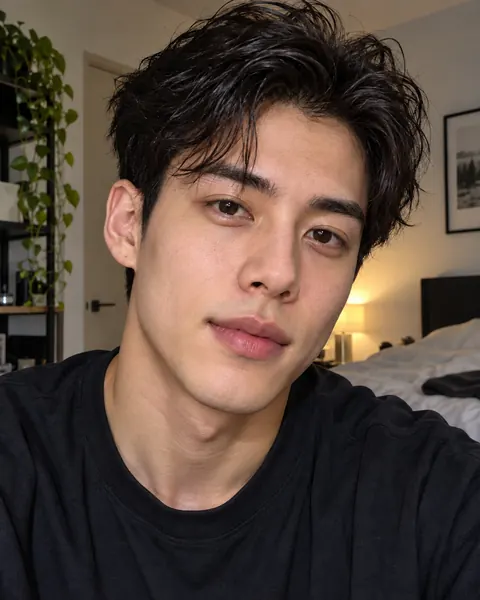
How to make Nano Banana images look real
Fix the glossy skin, beauty-filter smoothing and colour grade of Gemini pictures and keep the face and the scene.
Remove AI look
Realistic AI image prompts: the phrases that make pictures read as photos
The camera, light, skin and material phrases that make generated pictures read as photos, with copy-ready examples.
Make AI photo realistic
Spotting AI generated images
When the question is whether a photo is real, the detection guide walks through ten visual signs, then metadata and content credentials, and explains why missing metadata proves nothing. For news pictures it starts with the source: who published the image first, and whether a second photo shows the same moment. AIImageEditor.pro does not run an AI image detector; this guide is for checking by hand.
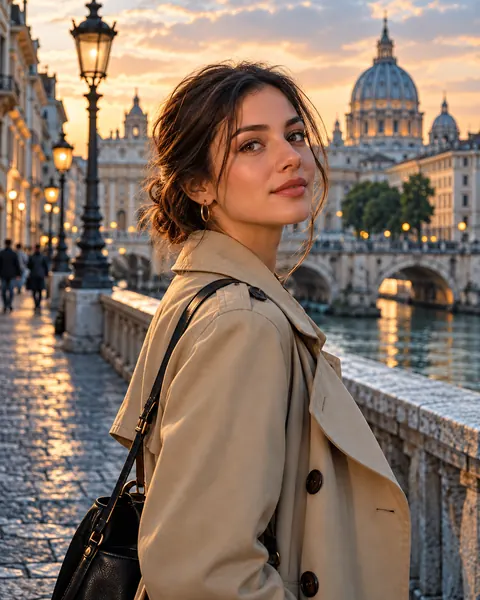
Before you follow an AI image editing guide
Every guide here is written for the AI image editor at AIImageEditor.pro. You upload up to 5 photos (JPG, PNG or WebP, up to 10 MB each), write the change in one sentence and pick a model. A standard edit costs 5 credits, new accounts get 5 free credits, and a failed edit returns its credits on its own. The pricing page lists what each pack buys.