Best AI photo editor without subscription: pay-once and free options compared
AIImageEditor.pro · Published · Last updated
The best AI photo editor without subscription depends on how you like to edit photos with AI. To change a photo by typing one sentence and pay only when you need more, AIImageEditor.pro (we make it) sells one-time credit packs: $14.90 buys 500 credits, about 100 standard edits, and nothing renews. For a desktop app you own, Pixelmator Pro for Mac is a one-time $49.99. Luminar Neo sells a perpetual license, but its generative tools are included for the first year only. ChatGPT and Gemini have free plans with limited image generation. Photoshop and Topaz Photo are subscription only. Every price here was checked on the maker's own site on 3 November 2026.
How we chose these AI photo editors
Every AI photo editor on this list had to pass one test: you can edit photos with AI without starting a monthly or yearly plan. We then wrote down what one payment buys and the catch that comes with it, because "no subscription" rarely means "no strings".
- No recurring charge: a one-time purchase, credits you buy once, or a free plan.
- Real AI editing: removing things, changing a background, relighting or restyling, not only filters.
- The catch, stated: what expires, what needs a subscription later, watermarks and platform limits.
- Prices from the source: every figure comes from the maker's pricing page on 3 November 2026, in US dollars where the page showed them. Prices change; check the linked page before you buy.
Who wrote this
This guide is published by AIImageEditor.pro. Our AI photo editor is listed first and described in the most detail because we can vouch for every number in it; the other AI photo editors follow in no particular order. We give no star ratings or scores, only what each one costs and does.
AI photo editors without subscription at a glance
The short version. Each row is explained further down.
| AI photo editor | How you pay | What one payment gets | Best for | The catch |
|---|---|---|---|---|
| AIImageEditor.pro | One-time credit packs | $14.90 for 500 credits (about 100 standard edits), valid 365 days | AI edits typed as one sentence, in the browser | Google sign-in; the 5 free credits cover one standard edit |
| Pixelmator Pro | One-time purchase (Mac App Store) | $49.99, Mac only | A desktop photo editor you own | No text-prompt editing; the App Store version lacks the Warp Tool |
| Luminar Neo | Perpetual license | $99 for Desktop Only on the day we checked | Generative erase and swap on the desktop | Generative tools for one year, then a Luminar Prime subscription |
| ChatGPT Free | Free plan | No payment | An occasional AI edit | Image generation is "limited"; paid plans are monthly |
| Gemini Free | Free plan with a Google Account | No payment | An occasional AI edit | No published limit; paid plans from $4.99 a month |
| Affinity | Free for individuals | No payment | A full desktop editor at no cost | Its AI tools need a Canva premium plan |
1. AIImageEditor.pro: best AI photo editor for prompt edits without a subscription
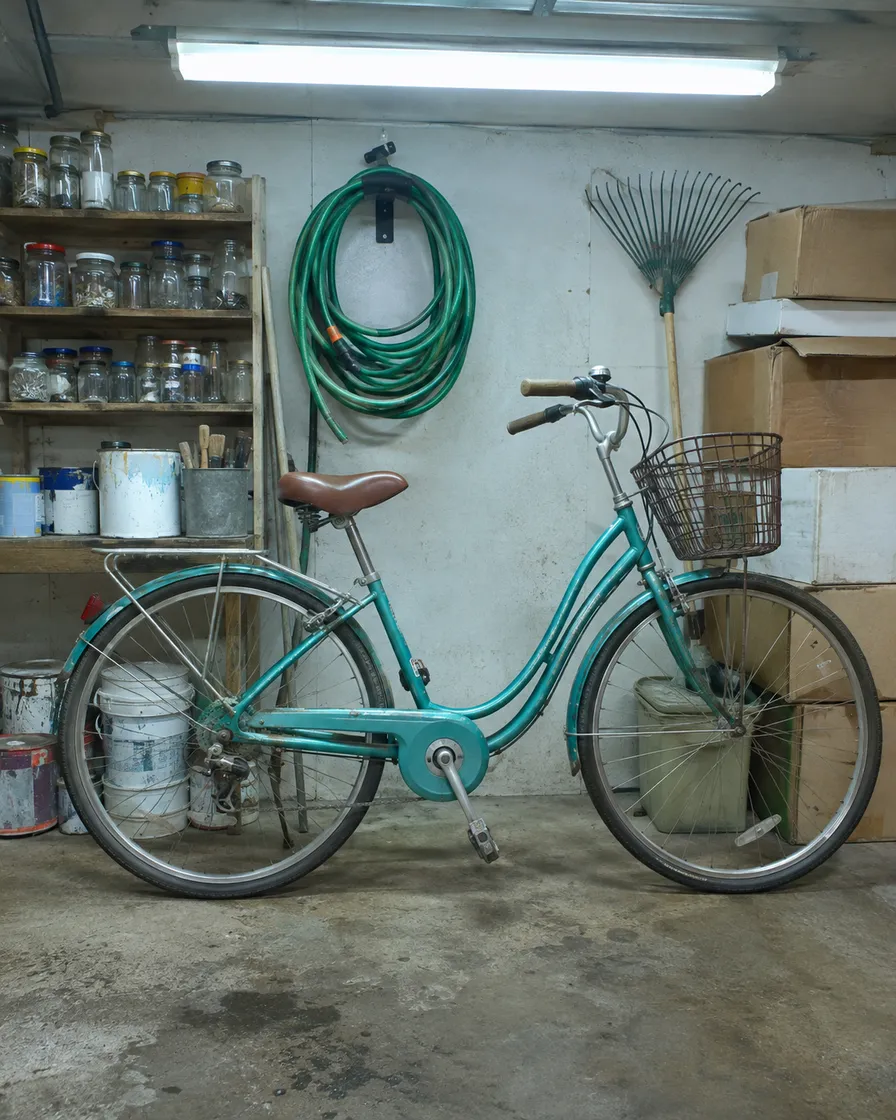
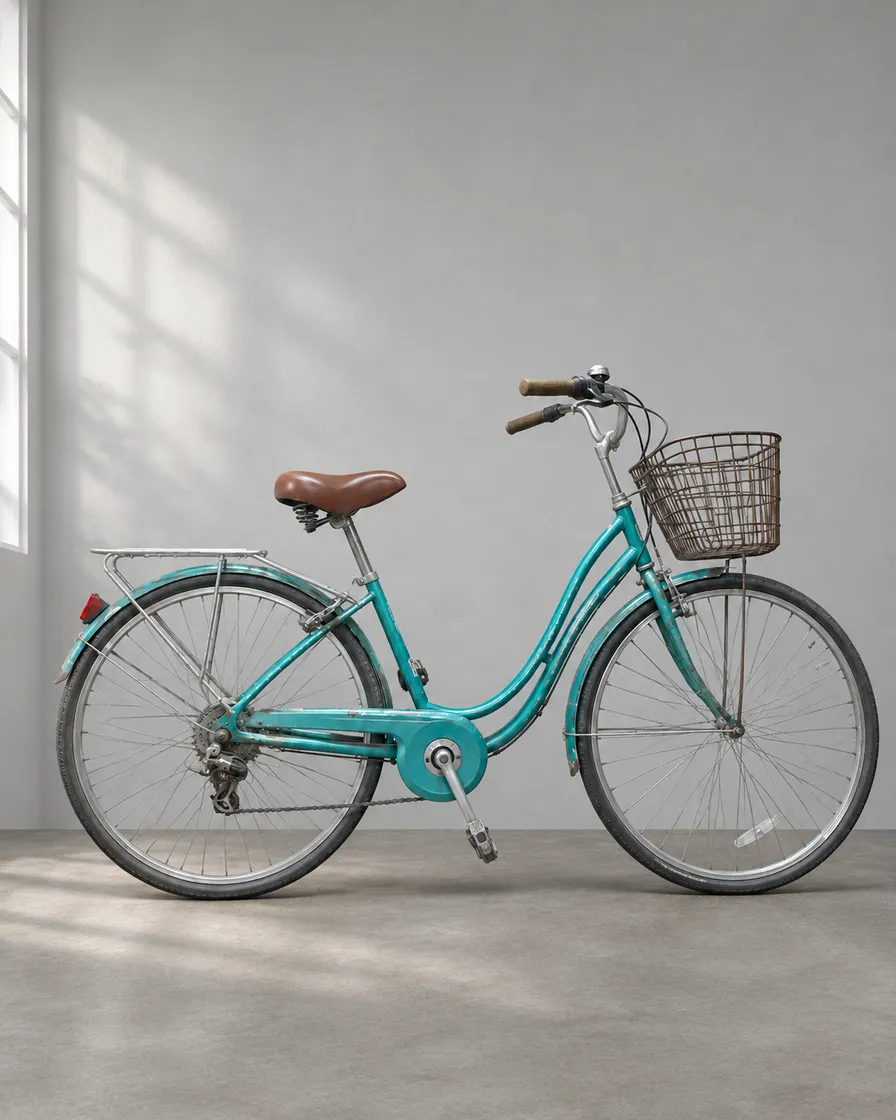
AIImageEditor.pro is an online AI photo editor. You upload up to 5 photos, write the change in one sentence ("remove the man in the red cap", "put the bike in front of a plain grey wall") and pick one of 5 image models: GPT Image 2.5, GPT Image 2, Nano Banana 2.1, Grok Imagine and Nano Banana Lite. There is no app to install and no plan to cancel. You buy credits once and spend them when you need an AI edit.
The packs: Basic $14.90 for 500 credits, Pro $29.99 for 1200 (1560 on your first purchase) and Max $59.99 for 2800. Pack credits stay valid for 365 days and nothing renews. A standard AI edit costs 5 credits, so one AI edit costs about $0.15 from Basic, $0.12 from Pro and $0.10 from a first Pro pack. GPT Image 2 and GPT Image 2.5 cost 10 credits an edit, at 1K, 2K or 4K alike. The pricing page lists every pack.
What makes it the strongest pick for this job:
- 5 models behind one button. GPT Image 2.5: precise edits that leave the rest of the photo alone; GPT Image 2: reliable text in images and product shots; Nano Banana 2.1: natural skin and light, strong at keeping faces; Grok Imagine: fast, bold looks and poster styles; Nano Banana Lite: quick drafts in a few seconds. If one model misses, run the same photo on another without opening a second app or paying a second subscription.
- No watermark, and the result downloads at full resolution, including edits paid with welcome credits.
- A failed AI edit costs nothing. Its credits return to your balance on their own, and a photo that fails the content check is refused before anything is charged.
- Help with the wording. "Enhance prompt" turns a short instruction into a clearer one before the edit runs, at no extra cost.
- Up to 5 photos in one edit, so you can place a product from one photo into the scene of another.
- Single-job tools included: the AI image humanizer, Remove AI look and Make AI photo realistic have their instructions written, and the AI image upscaler enlarges up to 4× with 2 free upscales a day for signed-in accounts.
- Compare and keep going. A before/after slider sits on every result, and "Keep editing this result" sends it back for the next change.
- Photos do not pile up. Uploaded photos are deleted after 7 days; results stay in My images until you delete them.
The catch
You sign in with Google before the first edit. The 5 free credits cover one standard edit: they are not enough for a GPT Image edit (10 credits) or for comparing models. There is no brush, mask or layers panel, since every change is described in words, and it edits one picture at a time. It is also a new AI photo editor, so you will find few outside reviews of it yet.
2. Pixelmator Pro: best one-time AI photo editor app for Mac
Pixelmator Pro now belongs to Apple. Its page says the Mac version "is also available as a one-time purchase for $49.99" on the App Store. The same app is part of the Apple Creator Studio subscription ($12.99 a month or $129 a year), which adds the Warp Tool and the iPad version.
Its AI tools are machine-learning helpers rather than text prompts: Super Resolution to enlarge a photo, one-click background removal, Intelligent Denoise, Auto Enhance and Select and Mask for hair and fur. Apple notes that some features need a device that supports Apple Intelligence.
Best for Mac users who want a full layer-based photo editor, with AI helpers, that they own outright. Not for Windows, or for changing a photo by describing the result.
3. Luminar Neo: a perpetual license, generative tools for the first year
Luminar Neo sells perpetual licenses that Skylum describes as "one-time payment, use app forever". On 3 November 2026 Desktop Only cost $99 and All Platforms $139, both shown as discounts from $417 and $477.
The catch is in the AI part. GenErase, GenSwap, GenExpand, Restoration and the AI Assistant are included "for a period of 1 year from purchase for perpetual plans"; after that they need a Luminar Prime subscription. Core AI tools such as Sky AI and Background Removal AI keep working as long as the license is active.
Best for desktop photographers who want sky replacement and AI masking without a monthly bill and accept paying again later for generative edits.
4. ChatGPT Free: prompt edits at no cost, with a limit
ChatGPT's pricing page lists image generation on the free plan as limited, without a number. You can upload a photo and ask ChatGPT for an AI edit in the chat, and the answer comes back as a new picture. The paid plans (Go, Plus and Pro) are billed monthly, and the page offers extra credits only to Business and Enterprise plans.
Best for one or two AI edits now and then. Not for choosing between models: ChatGPT uses OpenAI's own image model, while GPT Image 2.5 is one of five models in an AI photo editor like ours.
5. Gemini Free: Nano Banana with a free Google account
Gemini's plans page lists image generation and editing on the free plan with a Google Account and gives no number for the limit. The paid plans are monthly: Google AI Plus $4.99, AI Pro $19.99 and AI Ultra from $99.99. The page also says you can extend your limits by buying AI credits, without a price.
Gemini's image tools are Google's Nano Banana models. AIImageEditor.pro offers Nano Banana 2.1 and Nano Banana Lite next to GPT Image and Grok Imagine, paid per edit instead of per month.
Best for quick AI edits if you already use Gemini. Not for predictable volume: a limit you cannot see is hard to plan around.
6. Affinity: a free photo editor, AI tools through Canva
Affinity says it "is free for individuals". Its AI tools unlock "if you're on a Canva premium plan", and those plans are subscriptions. Without one you still get the full desktop editor, only without its AI tools.
Best for people who edit by hand and want a free desktop app. Not for AI editing without a subscription.
AI photo editors that need a subscription
These popular AI photo editors did not make the list, and here is why. Any of them may still be the right AI photo editor if you edit every day.
- Adobe Photoshop: sold only through a Creative Cloud subscription, monthly or yearly (plans). The 7-day free trial turns into a paid plan unless you cancel. Each plan includes a monthly allowance of generative credits.
- Topaz Photo: $39 a month or $199 a year on its pricing page, with no one-time license listed.
- Canva Pro: billed monthly or yearly; Canva Free includes limited use of its AI tools.
- Let's Enhance: plans from $9 a month billed yearly (pricing). Sign-up gives 10 free credits, and free results carry a watermark. It also sells pay-as-you-go bundles, though the page did not list their sizes in text when we checked. Subscription credits expire when the plan ends.
Pay once or subscribe: which AI photo editor costs less?
Count your AI edits, not the monthly price. A subscription costs the same in a month you edit nothing: Google AI Pro at $19.99 a month comes to $239.88 a year, and Topaz Photo is $199 a year.
With AIImageEditor.pro, $14.90 covers about 100 standard edits whenever they happen within 365 days, and $29.99 covers about 240 (312 on a first purchase). If you edit a few photos a week, that is most of a year of editing for less than two months of a typical AI subscription.
A subscription wins when you edit every day, need professional desktop tools such as layers and RAW files, or work in a team plan. Pay-once credits win when your AI photo editing comes in bursts: a product listing, a holiday album, a profile photo.
"No subscription" can still hide a catch
Read the terms for these five things before you pay for any AI photo editor:
- Credits that expire. AIImageEditor.pro pack credits last 365 days; Let's Enhance subscription credits end with the plan.
- AI features on a timer. Luminar Neo's generative tools need Luminar Prime after the first year.
- Watermarks on free results. Let's Enhance's free plan adds one; AIImageEditor.pro does not, even on welcome credits.
- Limits without numbers. The ChatGPT and Gemini free plans limit AI image generation without giving a figure.
- Trials that convert. Photoshop's free trial becomes a paid plan unless you cancel in time.
How to try AIImageEditor.pro before you pay
Sign in with Google and you get 5 free credits, valid for 365 days. That is one standard AI edit with Nano Banana 2.1, Grok Imagine, Nano Banana Lite or one of the AI to Real tools. Pick a photo you know well, write what should change and what must stay, and compare the result with the slider.
If the AI edit fails, the credits come back. If you like the result, Basic at $14.90 is the smallest pack and nothing renews afterwards. For more on wording, see how to edit photos with AI prompts.
FAQ
Is there an AI photo editor without a subscription?
Yes. AIImageEditor.pro sells one-time credit packs from $14.90, Pixelmator Pro for Mac is a one-time $49.99 and Luminar Neo has a perpetual license. ChatGPT and Gemini have free plans with limited image generation. Prices checked 3 November 2026.
Which AI photo editor is a one-time purchase?
Pixelmator Pro for Mac ($49.99 on the App Store) and Luminar Neo (a perpetual license whose generative tools last one year). AIImageEditor.pro is pay-once in credits rather than a license: each pack is a single payment and nothing renews.
Do AIImageEditor.pro credits expire?
Yes, after 365 days. The 5 free credits from signing in last 365 days too.
Is AIImageEditor.pro free?
You can try it free: 5 credits cover one standard edit, and signed-in accounts get 2 free upscales a day. The free credits are not enough for a GPT Image edit (10 credits) or for comparing models; after that, packs start at $14.90.
Is a subscription ever the better deal?
Yes, if you edit every day, need layers and RAW files, or share a team plan. If you need a few AI edits a month, one-time credits or a free plan usually cost less.
Open the AI image editor
5 free credits when you sign in with Google. No watermark.
Open the AI image editor